
Start by identifying the shorts category you are buying (Lifestyle Shorts Golf Shorts Retro Board Shorts Printed Board Shorts or others). Measure your waist and hips and, where the guide lists it, your thigh and inseam. Open the category size guide and compare your measurements to the chart values for waist relaxed waist stretched inseam length and leg opening. If one measurement sits between sizes apply the border rule by choosing the smaller size for a tighter fit or the larger size for a looser one. If waist and hip map to different sizes, follow the hip measurement to determine your final size. Then pick a color variant confirm stock and proceed to checkout. Ensure you use the same units cm or inches across the comparison and review any product notes about inseam length.
This is for you if:
- You are shopping for men's shorts online and want a reliable fit based on waist thigh and inseam measurements
- You need category specific guidance for Lifestyle Shorts Golf Shorts Retro Board Shorts or Printed Board Shorts
- You want to use waist relaxed and waist stretched alongside inseam and thigh values to map to size letters from XS to XXL
- You prefer to apply the border rule for between sizes and hip based sizing when waist and hip disagree
- You want to confirm stock and color variant before adding to cart to avoid returns
Preparing to size correctly
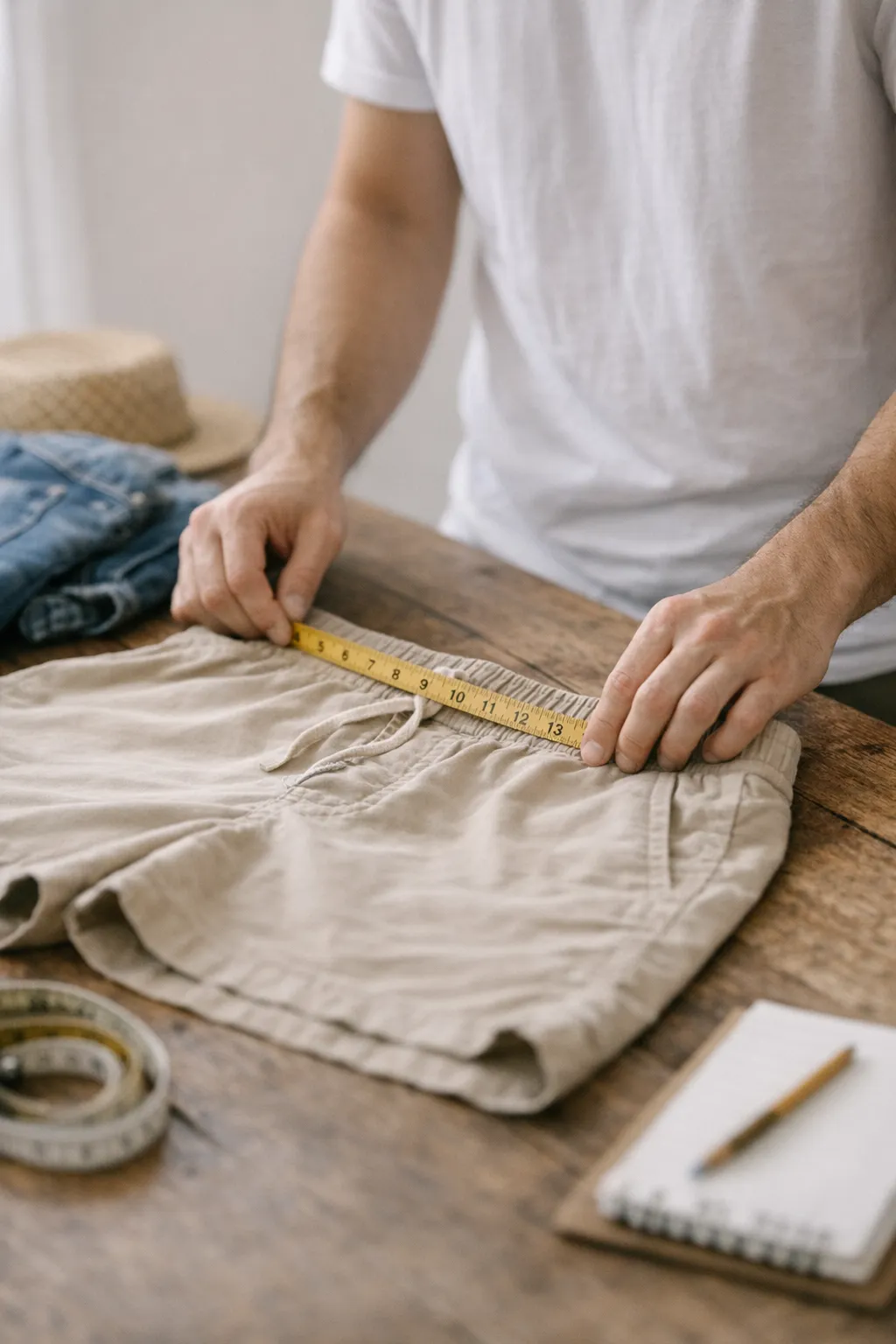
Before you start sizing men's shorts, gather the right tools and open the correct guides so you can compare your measurements to the category charts accurately. This preparation minimizes guesswork, helps you identify waist relaxed and waist stretched values, and ensures you choose the correct inseam and, when listed, thigh measurements. Having your waist and hip measurements ready, knowing which shorts category you are buying, and confirming unit consistency cm or inches keeps the process smooth and reduces returns.
Before you start, make sure you have:
- Measuring tape ready for waist hips and thigh if listed
- Access to the Mens Shorts Size Guide
- Access to category guides for Lifestyle Shorts Golf Shorts Retro Board Shorts Printed Board Shorts Dual Play 2 in 1 Reversible Shorts New Hybrid Lifestyle Shorts
- Knowledge of your waist measurement
- Knowledge of your hip measurement
- Knowledge of your thigh measurement if the guide lists it
- Ability to identify which shorts category you are buying from
- Willingness to read chart columns labeled waist relaxed waist stretched inseam length and leg opening or similar
- Awareness of the border rule for between size measurements
- Ability to check stock and color variant before checkout
- Understanding that measurements may be shown in centimeters or inches and you can switch units
- Access to product notes for inseam length or fit quirks
- Access to product pages to review inseam notes
- A notebook or device to annotate measurements and size results
Take action now by sizing shorts with waist thigh and inseam precision
This step by step procedure guides you through sizing men’s shorts using waist thigh and inseam measurements. You will locate the correct category guide, compare your numbers to the chart across waist relaxed waist stretched inseam and any available thigh data, and apply the border rule when sizes are split. The process also covers confirming stock and color variant before adding to cart to minimize returns and ensure the right length and fit across different styles.
-
Measure waist and hips
Wrap a flexible tape around your natural waist and the fullest part of your hips. Record both measurements with the tape flat and level. If your guide lists thigh, measure the thigh at the fullest point and note the value.
How to verify: Compare your waist and hip numbers to the size chart to confirm a single size mapping.
Common fail: Not keeping the tape horizontal leads to inaccurate readings.
-
Identify shorts category and open the correct size guide
Determine which category you are buying from (Lifestyle Golf Retro Printed or other) and access the matching size guide. Ensure you are viewing the chart that corresponds to the product you intend to purchase. If unsure, recheck the product page notes for category alignment.
How to verify: The guide displayed matches the product category on the page.
Common fail: Using the wrong category guide for the shorts type.
-
Read waist relaxed and waist stretched values
Locate the waist relaxed and waist stretched columns on the chart for your size range. Note how much the waistband is expected to extend and where your measurement sits within those values. Use these anchors to identify the best waist fit for you.
How to verify: Your waist measurement aligns with either the relaxed or stretched value for your size.
Common fail: Ignoring the distinction between waist relaxed and waist stretched.
-
Check inseam length and any length values
Find the inseam length on the chart and note any length or leg opening details that apply to the style. Compare your preferred leg length with the provided numbers. For shorts with multiple inseam options, pick the one that matches your desired fit.
How to verify: Inseam length selected matches your preferred shorts length.
Common fail: Overlooking inseam differences between styles.
-
Compare thigh or hip measurements to chart
If the chart lists thigh measurements, match your thigh value to the corresponding row. If only hip values are shown, use the hip based size as the guide. This step helps ensure the shorts will fit comfortably through the thigh.
How to verify: Thigh or hip measurement aligns with the size mapping on the chart.
Common fail: Skipping thigh data when it is available.
-
Apply border line rule between sizes
When a measurement sits between two sizes, apply the border rule to choose the tighter or looser feel as needed. If hip and waist map to different sizes, follow the hip based size.
How to verify: The final size reflects the border rule decision and hip guidance.
Common fail: Rounding up or down without following the guideline.
-
Choose final size and color variant
Select the size letter that matches your combined measurements and pick the color variant available. Double check stock status and any product notes about inseam or fit.
How to verify: The product page shows your chosen size and color as in stock.
Common fail: Choosing an out of stock size or incorrect color.
-
Add to cart and confirm stock before checkout
Add the item to your cart and review the cart contents for correct size and color. Ensure the item is in stock and the price reflects the chosen variant. Proceed to checkout only after confirming these details.
How to verify: The cart displays the right size and color with available stock.
Common fail: Proceeding with checkout for an unavailable size.
Verification focused confirmation of shorts sizing accuracy
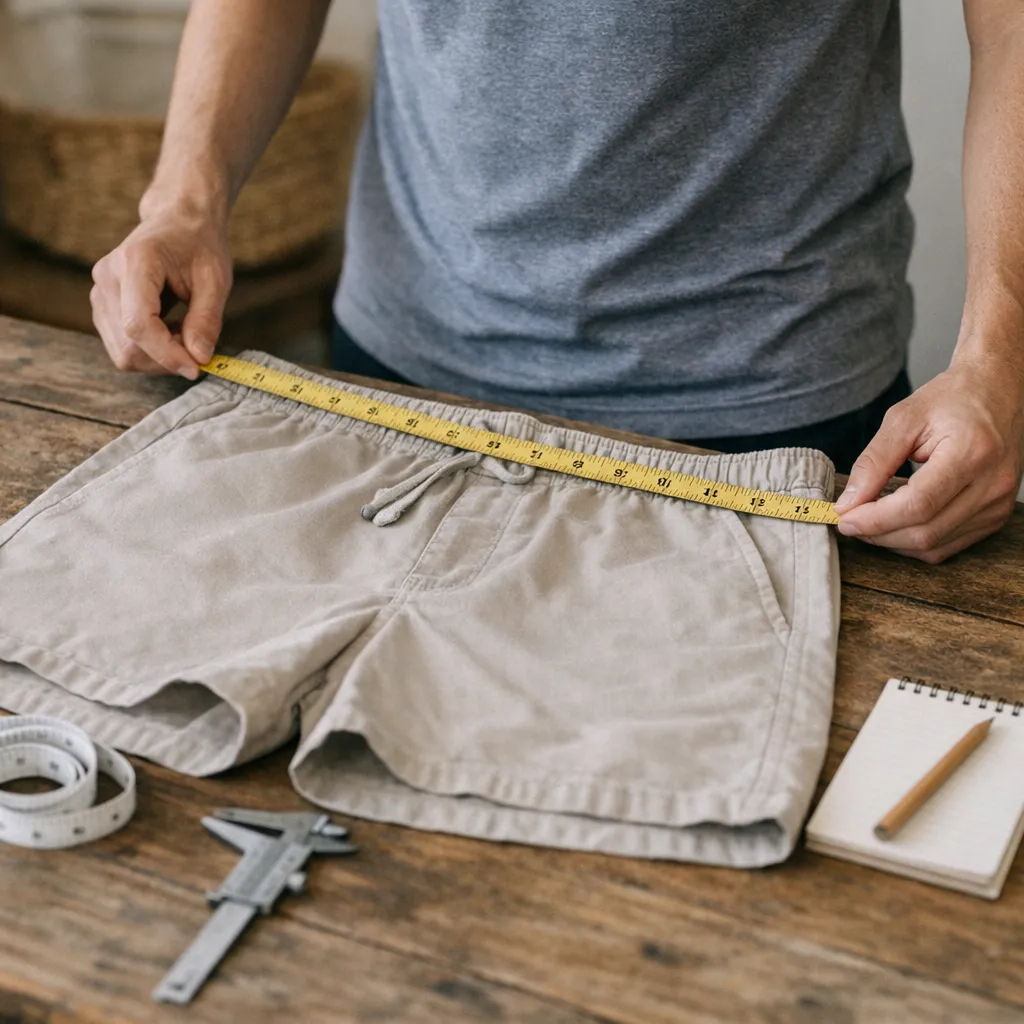
Use the shorts category guide to confirm your size maps to waist relaxed and waist stretched values, and verify inseam aligns with your preferred length. If available, check thigh or hip data to ensure comfort through the thigh area. Confirm you are testing with the correct category, that you applied the border rule when between sizes, and that color and stock are confirmed before adding to cart. Review any product notes about inseam length or fit quirks to avoid surprise fits.
- Confirm you used the correct category size guide for the short style
- Verify waist relaxed and waist stretched values align with your measurements
- Check inseam length matches your preferred leg length
- If listed, ensure thigh or hip data maps to the chosen size
- Apply the border rule when between sizes
- Follow hip-based sizing if waist and hip disagree
- Confirm color variant and stock before checkout
- Review product notes on inseam length or fit quirks
| Checkpoint | What good looks like | How to test | If it fails, try |
|---|---|---|---|
| Category guide accuracy | Size mapping aligns with the correct short category | Open the matching size guide and compare against your measurements | Reload the product page and select the correct category guide |
| Waist mapping | Waist relaxed and waist stretched values match your waist numbers | Cross-check waist measurements with the chart columns | Re-measure waist or use the border rule guidance |
| Inseam alignment | Inseam corresponds to your desired shorts length | Compare inseam value to product notes or inseam options | Choose a different inseam option if available |
| Thigh/hip compatibility | Thigh or hip data maps to the same size as waist | Match thigh/hip measurements to the chart rows | Switch to hip-based size if waist conflicts persist |
| Borderline handling | Size chosen reflects the border rule and concerns between sizes | Identify if measurements sit between two sizes and apply rule | Select the tighter or looser size as appropriate per guidance |
| Stock and color confirmation | Selected size and color are in stock | Check product page or cart before purchase | Choose an alternative color or size with stock |
Troubleshoot sizing issues for waist thigh and inseam
This quick guide helps you identify common problems when sizing men s shorts and provides practical steps to correct them. By comparing your measurements to the category charts for waist relaxed waist stretched inseam and thigh data you can confirm the right size and inseam length. Use these fixes to align fit across the waist and thigh without guessing, ensuring a comfortable wear before you add to cart.
-
Symptom:
Waist feels tight after size choice
Why it happens: Waist relaxed and waist stretched readings may have been read incorrectly, hip or thigh data can push size up, border rule may have been ignored.
Fix: Reopen the correct shorts category guide, re-measure waist and hips, compare to waist relaxed and waist stretched values, and switch to a hip based size if the hips require a larger size.
-
Symptom:
Waist feels loose after size choice
Why it happens: Size chosen smaller than your actual waist readings or misapplication of border rules can create a gap at the waist.
Fix: Re-check waist measurements, try a smaller size only if waist relaxed values allow, and confirm the border rule guidance for between sizes.
-
Symptom:
Inseam is too long for preferred length
Why it happens: The selected inseam option or tall size may not match your desired length.
Fix: Review product notes for inseam options and switch to a shorter inseam if available, avoid tall variants unless length is needed.
-
Symptom:
Inseam is too short
Why it happens: Chosen inseam is shorter than your leg needs or the style offers longer options.
Fix: Check the chart for longer inseam options and select one that aligns with your leg length, confirm any tall size guidance on the product page.
-
Symptom:
Thigh feels tight or rubs
Why it happens: Thigh data may not align with your body, hip based sizing could differ from waist sizing.
Fix: Compare thigh measurements to the chart, if needed, move to a size that matches hip data or choose a style with more thigh room.
-
Symptom:
Between sizes without clear border rule
Why it happens: Borderline measurements were not resolved using the recommended border rule.
Fix: Apply the border rule and select the tighter or looser size as advised, if waist and hip disagree, follow the hip size.
-
Symptom:
Waist and hip map to different sizes
Why it happens: One measurement points to a different size than another, often due to shape differences.
Fix: Use the hip based size as the final choice and verify stock before purchasing.
-
Symptom:
Chart units mismatch with personal measurements
Why it happens: Measurements may be in centimeters while the chart is shown in inches, or vice versa.
Fix: Switch the chart to the matching unit and re-compare, keep measurements consistent across all comparisons.
What readers ask next about shorts sizing
- How do I measure waist for shorts sizing? Wrap a flexible tape around your natural waist, keep the tape flat and level, and note the measurement. If your chart requires hip data, also measure the fullest part of your hips and compare.
- What is the difference between waist relaxed and waist stretched? Waist relaxed is the measurement at rest, waist stretched shows how far the waistband can extend. Use the chart to map your size based on these values.
- How should I choose the inseam length? Pick the inseam based on your preferred shorts length and any product notes about inseams. If multiple inseams are offered, choose the one that matches your leg length.
- Do thigh or hip measurements matter for sizing? Yes if listed, some charts provide thigh data while others rely on hip measurements to guide size. In general, hip based sizing helps when waist and hip differ.
- If waist and hip map to different sizes, which size should I pick? Follow the hip based size as the final choice and then check stock before purchase.
- How do I handle between sizes? Apply the border rule by selecting the tighter or looser size as recommended by the guide.
- Do different shorts categories use different guides? Yes each category has its own size chart, ensure you open the guide for the product you are viewing.
- Should I consider tall sizes or longer inseams? Some styles offer tall inseam options, review the product page notes for inseam length and tall sizing guidance.
- How can I confirm stock before purchasing? Check the product page or cart for stock status and confirm the color variant before checkout.
Common questions about shorts sizing
How do I measure waist for shorts sizing?
Wrap a flexible tape around your natural waist, keeping the tape flat and level. Read the measurement to compare with the waist relaxed and waist stretched values in the shorts size chart. If the guide lists hip or thigh data, take those measurements as well and map them to the corresponding size. Use the same unit across all measurements to avoid confusion.
What is the difference between waist relaxed and waist stretched?
Waist relaxed is the measurement at rest with the waistband not stretched. Waist stretched shows how far the waistband can extend when the fabric is pulled or when you move. Use both values to map your size in the chart, choosing the range that matches your typical comfort level.
How should I choose the inseam length?
Select the inseam based on your preferred shorts length and the style notes. If the product offers multiple inseams, compare each option to your leg length and intended wear. When in doubt, choose the longer inseam for a more modest look or as advised by the guide.
Do thigh or hip measurements matter for sizing?
Yes, thigh or hip data can influence the final size, especially if waist and hip measurements disagree. Some category guides include thigh values to ensure comfortable movement through the thigh. If thigh data exists, map your thigh to the corresponding size and cross-check with waist measurements.
If waist and hip map to different sizes, which size should I pick?
When waist and hip point to different sizes, follow the hip based size as the final choice. This approach prioritizes fit through the hip and thigh, reducing restriction. Always verify stock for the chosen size and review any product notes that may affect length or stretch.
Are there different guides for different shorts categories?
Yes each shorts category has its own size guide, so open the guide that matches the product you are viewing. Lifestyle, Golf, Retro Board, Printed Board, and New Hybrid shorts may use different measurements and mappings. Always confirm you are using the correct chart before selecting a size.
Should I consider tall sizes or taller inseams?
Some styles offer tall sizes or longer inseams, review the product notes and inseam options on the page. If you need extra length for tall proportions, choose the inseam that aligns with your height. Otherwise stick to standard sizes and rely on the chart’s guidance.
How can I confirm stock and color before checkout?
Before checkout, verify the chosen size and color appear in stock on the product page or in the cart. If the item is unavailable, select an alternative size or color that is in stock and review any notes about inseam length or fit quirks. This helps prevent order delays and returns.